Why the big screen changes what “good enough” means
On a phone, a slightly soft webcam image or a dark corner of the room is easy to forgive. On a TV, viewers compare your show with professionally shot content in the same app. Four things show up immediately:
- Resolution and sharpness. A 1080p webcam stretched to a 4K TV looks soft. Shoot at 4K if you can, even if you deliver in 1080p.
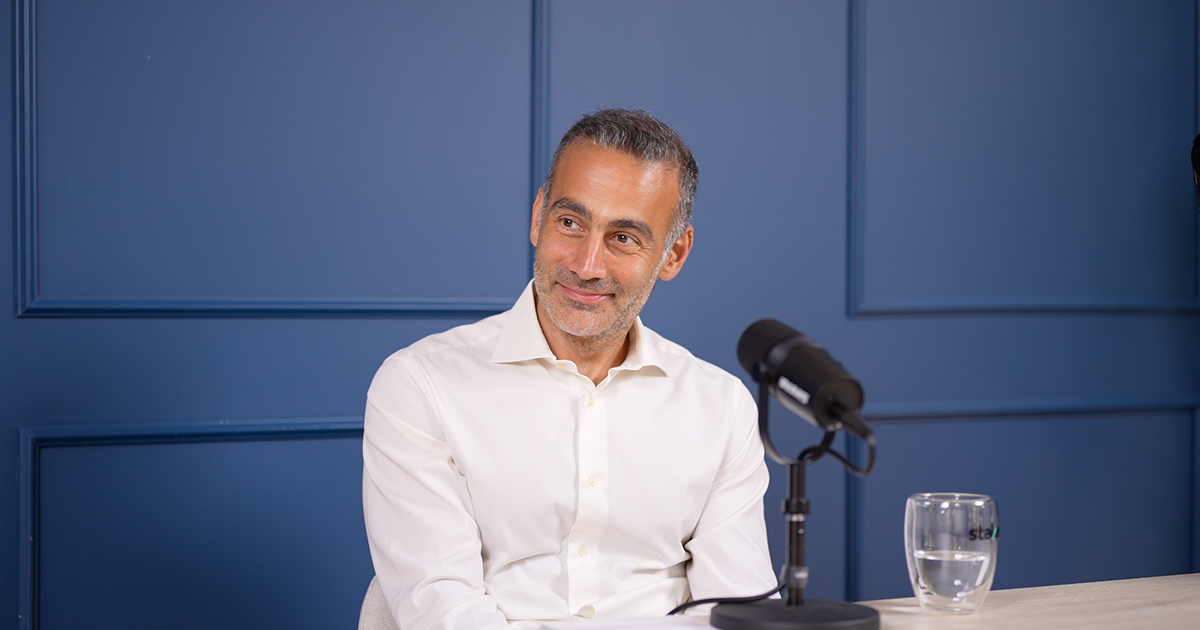
- Uneven light, shadows under the eyes and blown-out windows look worse at size. A lit set with soft key light and some separation from the background reads as “TV”.
- Living-room speakers and soundbars reveal echo, hum and level jumps between hosts. Treated rooms and proper microphones matter more, not less.
- Framing and cuts. One static wide shot for an hour feels like a security camera on a TV. Multiple camera angles, with cuts between speakers, hold attention.
A checklist to get your show TV-ready
- Publish video Podcasts. The TV app only shows video that is already in the Podcasts catalog. If you only upload video to YouTube, your show will not appear.
- Record at 4K with at least two angles. A wide shot plus one close-up per host is the minimum for natural cuts.
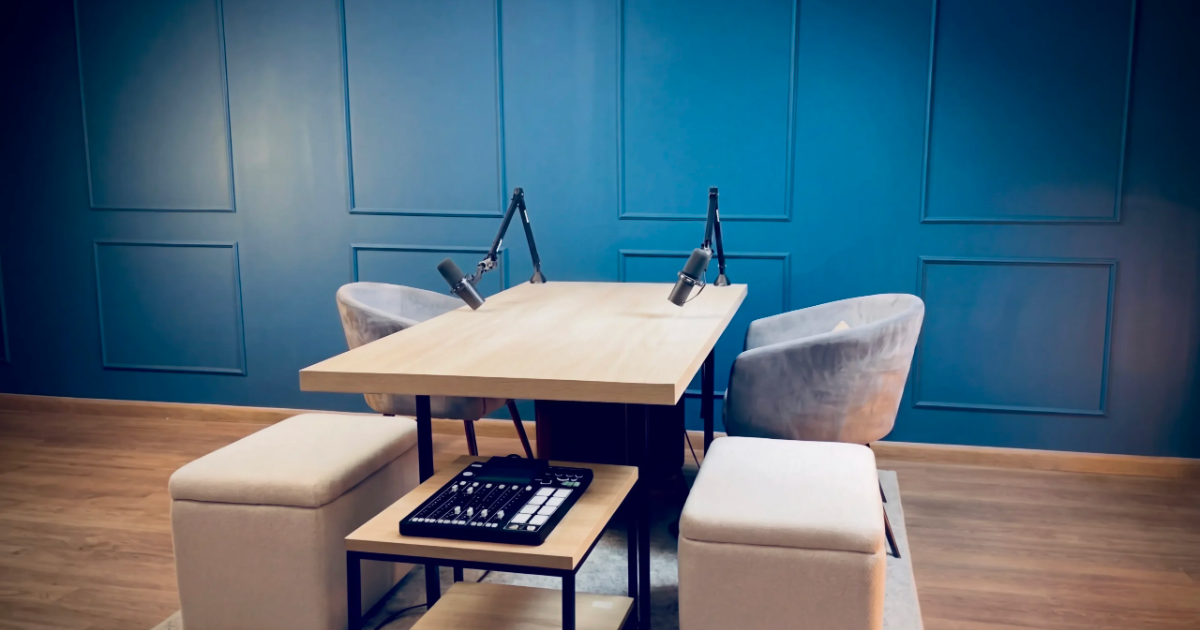
- Fix the room before the edit. Acoustic treatment and controlled lighting save hours in post-production and look better than any filter.
- Check your artwork. Engadget reports giving creators more options for how artwork displays. Make sure your show art and episode thumbnails read clearly from across a room.
- Plan ad breaks for video. If you sell sponsorships, a baked-in video ad needs to look as polished as the show around it.
- Watch your own episode on a TV. Before you publish, play one episode on the biggest screen you can find. You will spot problems a laptop hides.
Common mistakes that look worse on a TV
Most video podcasts are planned for a phone screen, where small problems disappear. On a television they become the first thing a viewer notices. These are the mistakes we see most often:
- Shooting into a window. Daylight behind the host forces the camera to expose for the bright background, leaving faces dark. On a TV, this looks like a video call, not a show.
- Mixed colour temperatures. Warm room lamps plus cool daylight give faces an orange-and-blue cast. Use one type of light throughout the set.
- Microphones in shot at awkward angles. A mic that hides half the host’s face is distracting at 65 inches. Position it below the mouth and slightly to the side.
- One camera for an hour. A single static frame is tiring to watch on a big screen. Even two angles allow cuts that keep the episode moving.
- Loudness jumps. If one host is much louder than the other, viewers reach for the remote. Balance levels in the edit and aim for a consistent loudness across episodes; many podcasters work to a target of about -16 LUFS.
- Small on-screen text. Lower thirds and captions sized for a phone may be too small to read from a sofa three metres away, or too large and cluttered. Test them on a TV.
What to deliver: a simple technical checklist
You do not need a film crew to make TV-ready episodes, but you do need a consistent standard. Before you publish, check that each episode has:
- Video: recorded at 4K, exported at 1080p or 4K, at the same frame rate you filmed in.
- Audio: clean dialogue with no room echo, consistent loudness, and music beds kept below speech.
- Framing: a wide shot that shows the set and a close-up for each speaker, with eyes roughly a third of the way down the frame.
- Artwork: show art and thumbnails that are readable from across a room, with high contrast and few words.
- Metadata: a clear episode title, a description that says who is speaking and what the episode covers, and chapters for longer episodes.
Treat this as the minimum for any episode you expect people to watch on a TV, whether through YouTube on a smart TV, or any other app.
How Gulf Podcast Studios helps
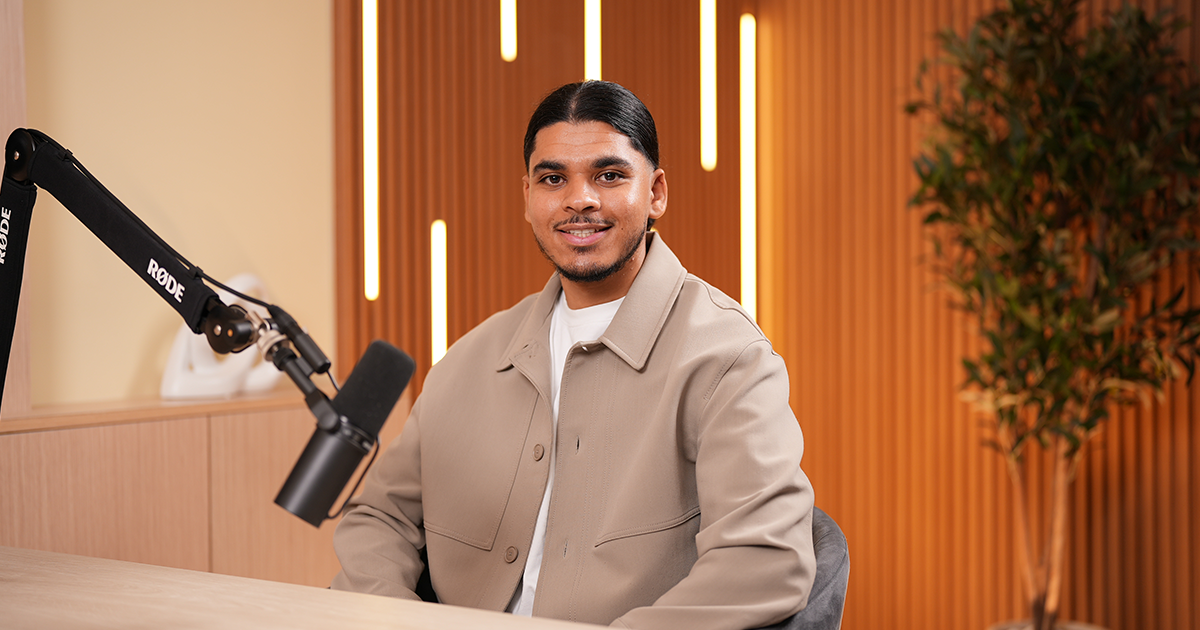
Our Business Bay studio is built for exactly this shift. Every session is shot on 4K multi-camera video with broadcast audio, and a dedicated operator handles cameras, levels and recording, so your episodes are ready for a TV screen, not just a phone. If you are recording a full season, see how many episodes you can batch in one session, and check our 2026 price guide for hourly rates.
Ready for the big screen? Book a session at Gulf Podcast Studios in Business Bay.